
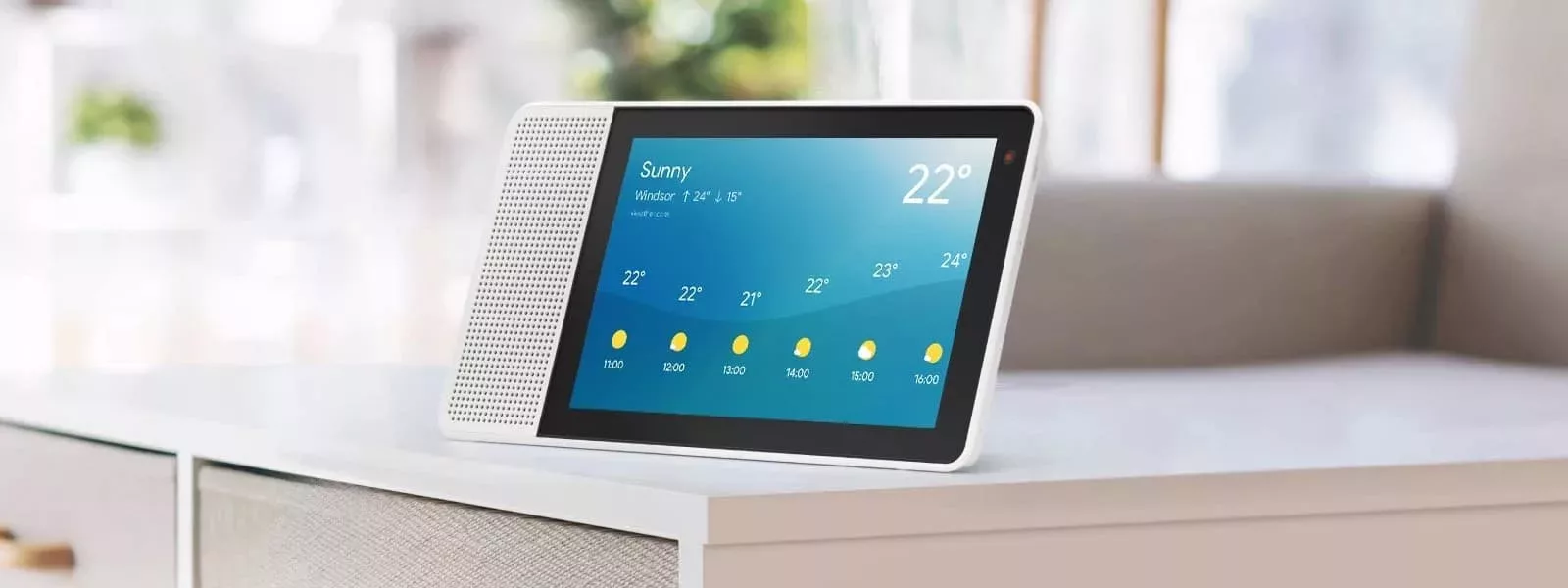

Being a huge fan of Google Home and Google Home Mini, I was quick to get my hands on the first smart display with Google Assistant. While I opted for the 10”, I also purchased the 8” for my mother a few months later.
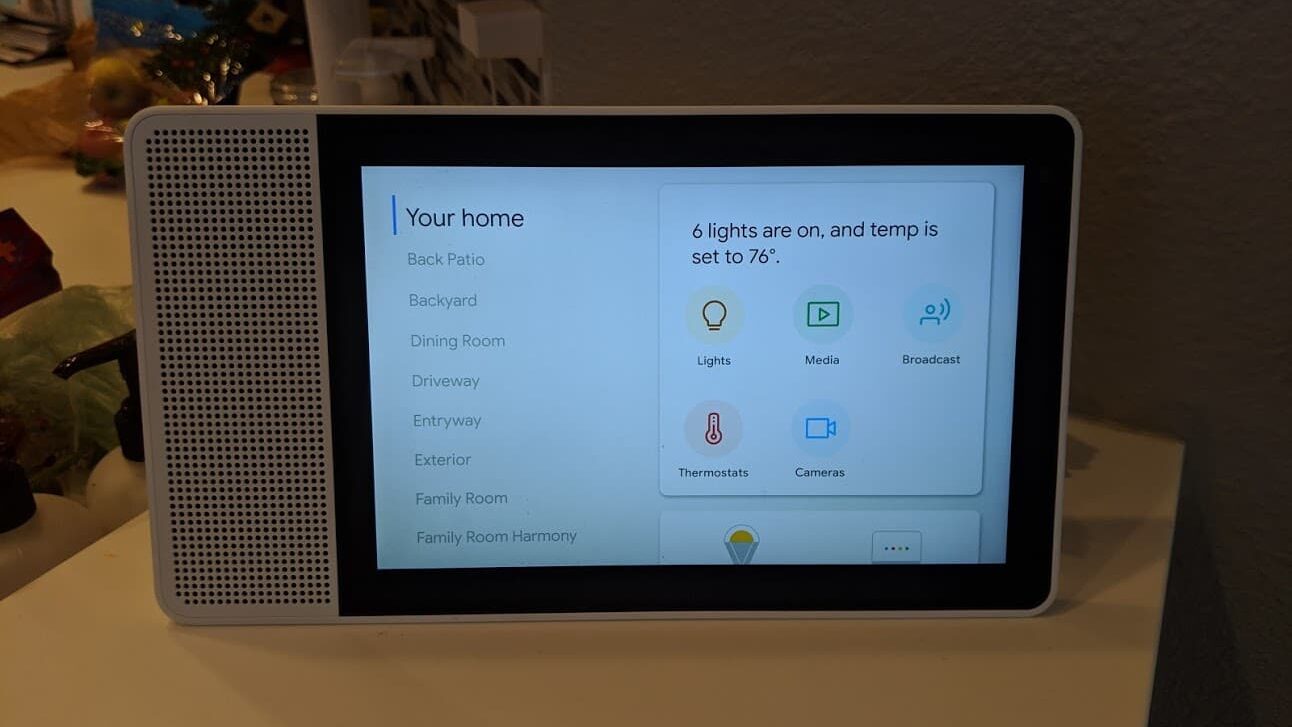
My Lenovo Smart Display lives on the counter between the kitchen and the family room. It’s a perfect location, considering all that it can offer. It excels at picking up voice commands with its 4-microphone array, and the impressive sound that comes from its 10W full-range driver and passive radiator is noteworthy.
Speaking of everything it can do, let’s start with the kitchen. In addition to setting a timer or answering a unit conversion question, such as how many pints are in a cup, it can walk you through recipes step by step, both audibly and visually. It may sound unusual, but you need to see it in action to truly appreciate it.
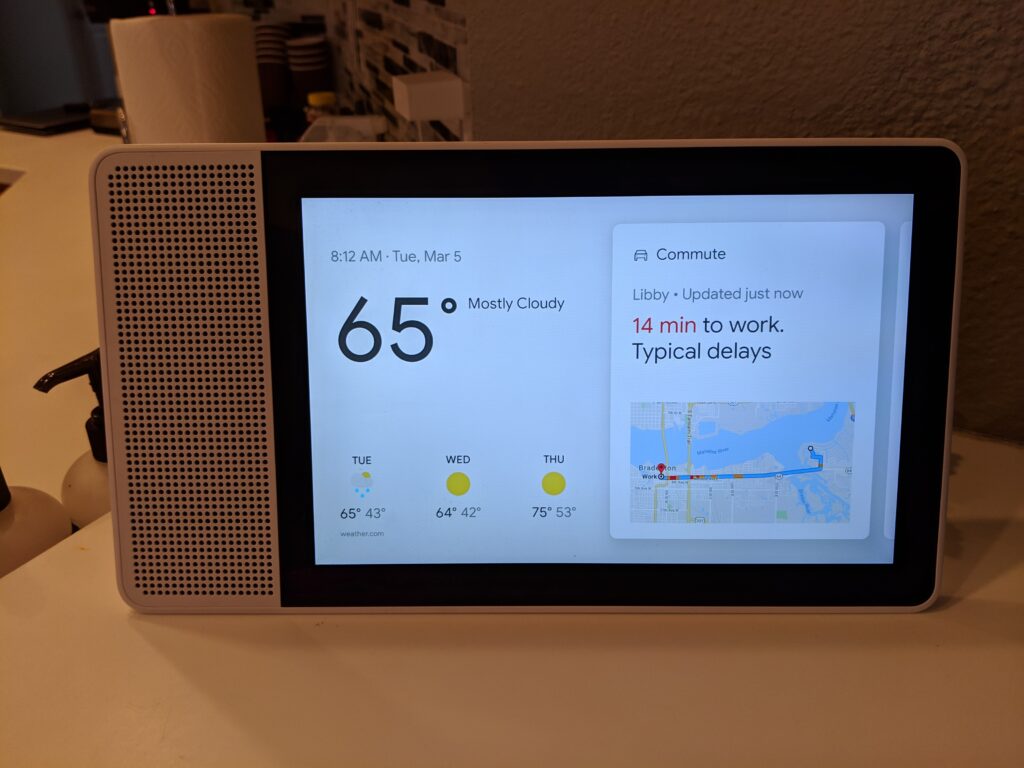
Outside the kitchen, the Lenovo Smart Display serves as a home automation panel. You can control the thermostat, lights, fans, music, televisions, and more. It’s much easier for a quest to control things using this display than it is to try to figure out the right voice commands. You can also view any compatible cameras you have. This is particularly convenient when the nanny is present, as it essentially transforms into an on-demand baby monitor using the nursery’s Arlo Baby.
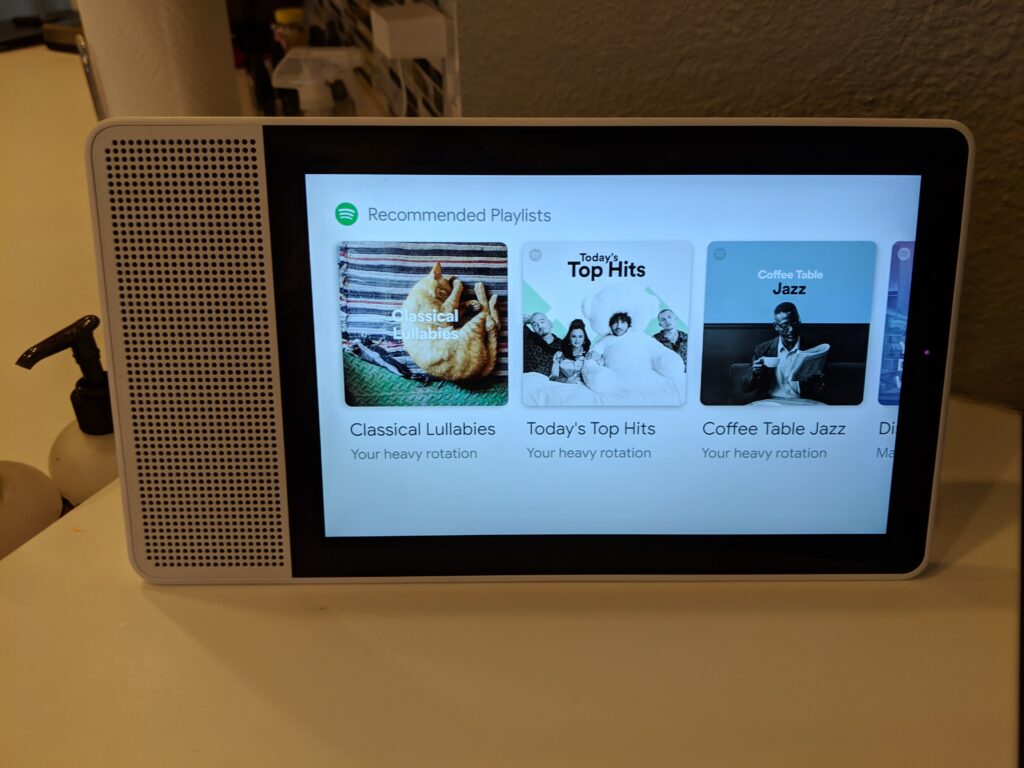
When not in use, it functions as a virtual picture frame, also displaying the time and weather. And, like its on-screen sibling, it’s always waiting to answer commands and questions.
Finally, one of my favorite features (and the reason I bought my mother one) of the Lenovo Smart Display is its Duo video calling capability. It’s an easy, seamless, and high-quality way for us to communicate using video. It’s almost like being there in person.
I hope you found this review helpful. If you have any questions, please don’t hesitate to reach out to me on social media. Be sure to check out my other tech reviews as well. Thanks for reading!